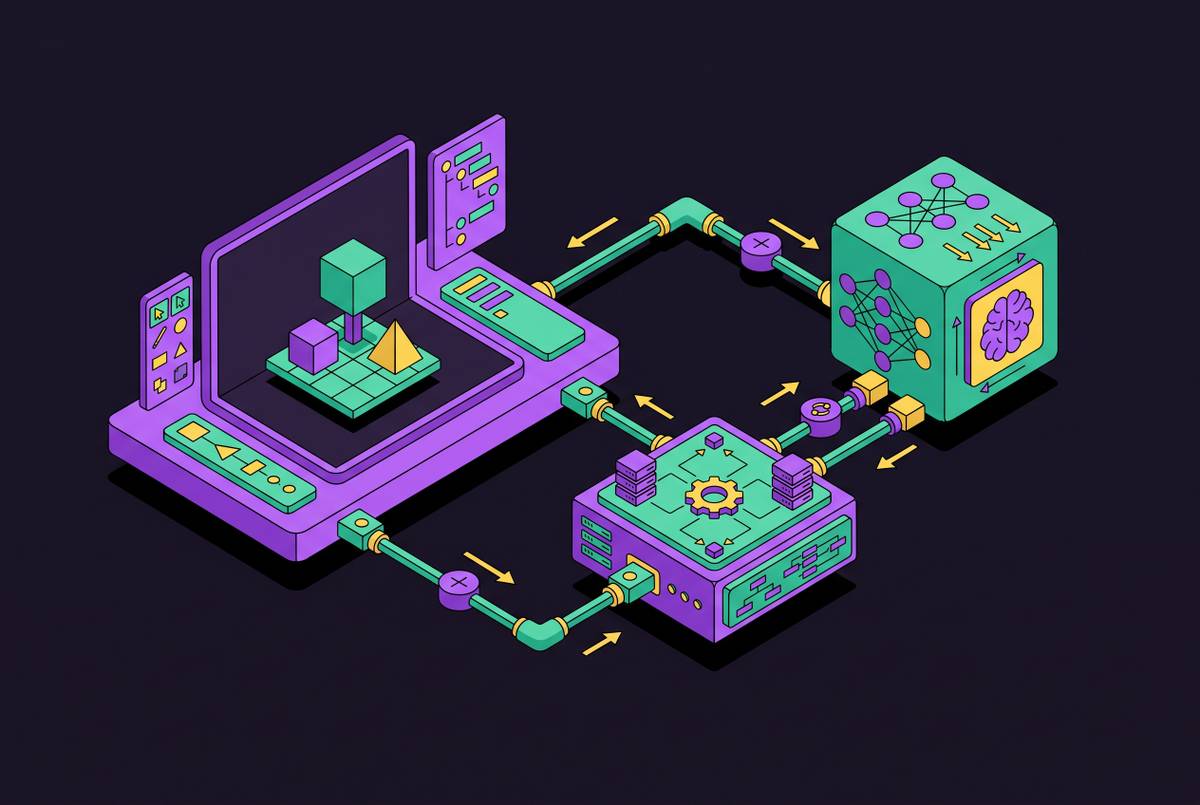
Generating Consistent 2D Character Sprites With AI Across an Entire Game
AI needs external anchors to keep game characters looking like they belong together.
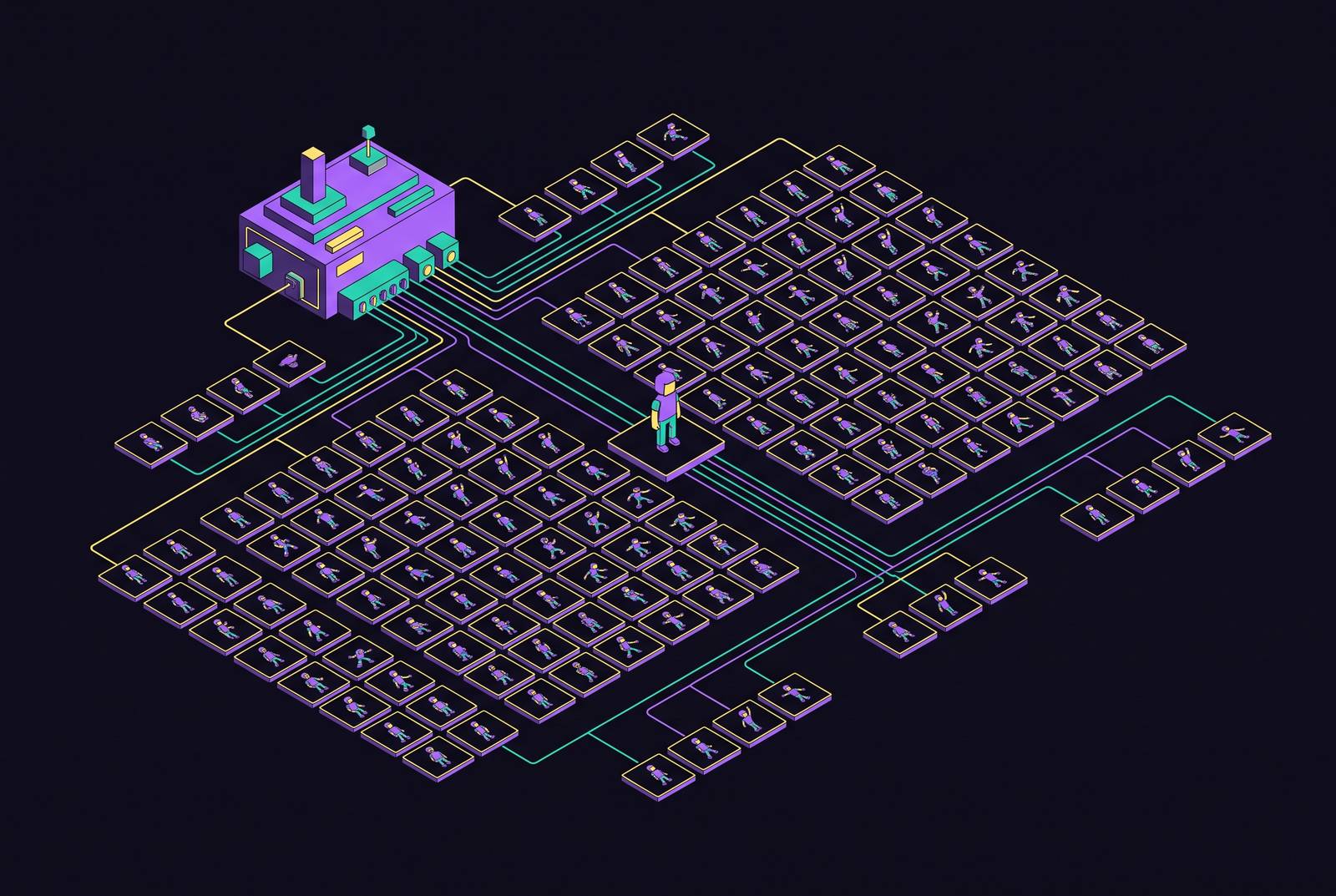
Making 2D character sprites with AI that look like they belong in the same game takes more than a set of good images. The workable approach is to lock a visual identity before production, preserve it through animation and cast generation, and treat export and tilesets as separate production tasks. Consistency comes from a repeatable workflow.
Why generating a single great sprite is the easy part
A gorgeous hero sprite can look nothing like the enemy generated shortly afterward. Both images may look good on their own, but their palettes, line weights, and proportions make them look like they come from different games. AI is good at making a single character in 2026, but getting characters to share a visual identity still takes care. Animation exposes the mismatch within one character, while seamless tilesets add stricter grid constraints. These are not peripheral problems, because animation and tiling account for much of the art a 2D game needs.
Why AI image models drift without an anchor
General-purpose diffusion models sample from a broad latent space with no identity anchor that stays in place. Each generation starts afresh rather than remembering the visual decisions made in a previous session. Similar prompts therefore do not bind two enemies to the same palette or proportions. Better wording may describe the intended style more clearly, but it does not give the model that missing memory.
Making each pose on its own brings the same problem into an animation. A belt buckle migrates, a highlight changes color, or the head shrinks a pixel between idle and attack. These differences can escape notice in a gallery but become flicker at game speed. To prevent this drift, a constraint from outside the model must hold the style steady before generation begins.
Three ways to anchor a visual style before generating anything
The three anchoring methods form a ladder of investment, from a saved theme through reference-image discipline to custom model training. Method 1, custom training, requires the greatest commitment. A private model trained on the studio’s reference art draws from that visual language. Scenario supports this approach, with custom model training available from the $45/mo Pro plan. It earns its cost when consistency across a large asset set is the bottleneck, provided the training art is coherent enough to establish a useful standard.
Method 2 uses reference images and needs no model training. Generate a clean hero sprite, approve it, and pass it as the reference input for related generations. Ludo supports this mechanism for matching palette, line weight, and proportions. A small studio shipping a commercial RPG should treat reference-image discipline as a minimum and consider custom training as its library grows. Mixed or weak reference art limits either approach, and adding more of it cannot compensate for its quality.
Method 3 keeps a saved theme from one generation to the next, holding the palette, mood, and direction steady with no model training. SpriteCook works this way and suits solo developers and jam creators who have little reference art to draw on. All three methods narrow the model’s freedom to change the visual language. Once that language is locked, animation becomes the next test.
How to keep one character consistent across animation frames
A single-image model does not reliably produce sequential animation with consistent motion arcs. Regenerating each pose independently can undo the benefit of a locked style, because every frame becomes another interpretation of the character. Reference-anchored pose generation reduces that freedom by keeping the approved base sprite as input and describing only the pose change. The result can be a coherent, iterable pose set, but it is not automatically frame-perfect animation.
Ludo accepts a motion prompt, up to three keyframes, a reference video, or one of 641 motion presets, producing up to 64 frames. Hydra adds a sound effect that matches, Hydra+ adds finer detail and a sound effect that matches, and Forge Pixel keeps low-res pixel art crisp. Ludo’s New Direction feature re-renders a finished animation at a new angle while retaining motion and timing. These controls reduce repeated generation work, but they do not remove the need to judge the sequence in motion.
Rig-and-pose animation takes a different route by moving approved artwork. PixelLab offers skeleton-based and text-prompted animation within its pixel-art focus. Where precise silhouettes and motion arcs matter most, hand-placing two key poses and interpolating between them gives greater control with less AI involvement. Choose the method before generating frames, rather than expecting cleanup to turn unrelated poses into a walk cycle.
Building a full cast from one anchor sprite without losing coherence
The hero, primary antagonist, shopkeeper, guard, and enemy types need different roles and silhouettes within a shared style. Use the same reference while describing how the scale, color temperature, and equipment should differ. Shared line weight and palette family make the characters belong together without making them identical.
Style exploration belongs before that commitment. Ludo can generate the same character in 32 art styles, including 8-bit, 16-bit, chibi, hand-painted, and watercolor. Once a direction is approved, build outward through the primary antagonist, named NPCs, enemy types, and generic enemies and pickups. Carry approved outputs forward as references while retaining the hero as the common style anchor. Restarting each NPC from a blank prompt reopens the opportunity for drift.
Views from different directions need the same care as separate characters. Ludo’s Directional Sprites renders up to 8 matching directions from one 3D model. That addresses a different consistency requirement from the one solved by a shared palette. The tooling decision therefore depends on whether production needs reference anchoring, controlled animation, matching directions, or a trained house style.
Where the current tooling lands for sprite and cast generation
Ludo combines reference-image anchoring with animation and cast generation, but it does not train custom models on studio art. Its animation output covers up to 64 frames / 5 seconds, and its exports include animated GIF, spritesheet PNG, JSON metadata, per-frame sequence, and MP4. It also covers tiles, icons, UI, textures, 3D models, music, audio, and video. Pricing is $20/mo ($15/mo billed yearly), with 30 free credits at sign-up, no card required, and watermarked sprites until subscribed. The $50/mo Pro plan has no limit on image generation and gives access to API, MCP, and CLI.
PixelLab concentrates on pixel art, with skeleton-based animation, text-prompted animation, and one-click 4- and 8-directional rotations with isometric support. Its inpainting supports gear edits within the original image, while an Aseprite extension and MCP server connect it to production workflows. It also provides top-down, side-scrolling, and isometric tilesets. It costs $12/mo (2,000 images) or $8.25/mo billed yearly, with the Architect tier at $50/mo (10,000 images). Every tier meters monthly generations.
Scenario uses custom training on an art bible to keep the house style the same. It offers 650+ models, a node-based workflow builder, a REST API with SDKs, and an MCP server. Its Retro Diffusion animation model produces walk/run/idle as GIFs or sprite sheets, while Pixel Snapper snaps pixel art to a clean grid. Scenario also provides SOC 2 Type II compliance. Pricing starts at $15/mo, with custom model training from $45/mo Pro.
SpriteCook uses a saved theme and is designed for an API or coding-agent workflow. Its autotile tilesets and UI kits extend that approach beyond characters. It provides 40 free credits on a recurring basis, with free generations public, and costs $8/mo before VAT. AutoSprite instead emphasizes animation and sprite sheets across many engines. It provides 15 credits/month plus daily login credits, no card required, and costs $12/mo.
SpritePixel is for indie developers, teams making RPG and top-down projects or prototypes, and game jam creators. Its stated scope includes character generation, outfit variations, multi-direction sprites, animation, and engine-ready export. Sprite AI focuses on budget pixel sprites with a built-in editor, offering 15 free generations, no card required, and $8/mo labelled as launch price. SpriteLab combines budget pixel sprites with animation, adding rotation and tilesets on paid plans. Its allowance is 25 free credits plus 5/day, no card required, with pricing of $7.99/mo ($6.67/mo billed yearly).
God Mode AI offers sprites, rotation, and animation on a pay-per-use basis. It has no free plan, gives 3 credits for new accounts, and offers $29/mo or a $32 credit pack. Layer.ai is for studios that make lots of LiveOps content, with prices based on use that start at $10/mo for 300 Creative Units. Its focus is marketing creatives and LiveOps content. These differences make the production bottleneck a more useful selection criterion than single-image quality alone.
The remaining gap: why tilesets still need a manual pass
Tilesets have a grid problem that a character-style anchor cannot fix. Edges, corners, and transitions must connect with neighboring tiles, and current image models do not reliably reason about those constraints during generation. Generate the desired look as a reference image, then build the actual tileset on a grid, slicing and adjusting its connections. Specialized tools, including PixelLab, SpriteLab, and SpriteCook, address this category more directly than general image generators, but they do not eliminate the manual pass. Treat tilesets as a separate pipeline and budget seam-repair time before shipping.
Getting AI-generated sprites from generator to running game
A generated PNG is not yet a configured game asset. Before import, verify that frames are evenly spaced and consistently sized, correcting irregular frames in an image editor. Use power-of-2 sheet dimensions, including 512×512, 1024×1024, and 2048×2048, for GPU optimization. Confirm that transparency is a real alpha channel. Generate first and remove the background last, because image generation does not reliably produce true alpha.
For engine import, use the sprite-sheet slicer and frame-coordinate metadata where available. A spritesheet PNG paired with JSON metadata can remove manual slice configuration in most engines. Set pivot points and configure the engine’s animation component rather than treating successful image import as the end of setup. Inspect the animation in engine, where silhouette wobble and detail drift become visible at game speed.
Masking a region and describing only the changed detail preserves everything else pixel-identically and avoids replacing the base for a small edit.
How game jam rules and platform policies actually treat AI sprites right now
Valve updated Steam’s AI disclosure form in January 2026 to focus on content that ships with the game and is consumed by players. It allows AI-generated sprites to be published, but each jam still has its own rules.
GMTK Game Jam 2026, which ran July 22–26, 2026, explicitly banned generative AI art or audio assets, with disqualification as the penalty. Slapjam AI, run September 28–30, 2026, was a 48-hour event where code, art, music, voices, and 3D were all expected to be AI-generated. Eclipse Publishing Game Jam, October 1–10, 2026, allowed AI with disclosure across art, audio, code, and writing. It disqualified undisclosed AI content and made entries that were “substantially AI-generated end-to-end” ineligible for prizes.
The practical distinction is between banned, required, and allowed-with-disclosure use. None of those positions can be inferred from platform policy alone. Read the event’s specific rules before generating assets, and disclose more than required when in doubt.
The workflow that actually ships a consistent cast
Begin by checking the destination platform and event rules, then explore the hero in multiple styles and palettes as reference. Choose one direction and document it. Choose a saved theme, reference-image workflow, or custom training based on how big the project is and what reference art is on hand. Generate and approve the hero at high quality, then keep that approved base.
Build the cast in order of importance, carrying the hero’s style reference into each character. Change the role, silhouette, scale, and color temperature while keeping the visual language the same. Before producing animation frames, choose reference-anchored poses, skeletal animation, or key-pose interpolation. Do not attempt a full walk cycle as a single multi-frame request.
Finish generating the images before removing backgrounds, then make the frames the same size and prepare real alpha channels and power-of-2 sheets. Import with frame metadata where available and complete the engine configuration. Set aside time for a separate manual pass on tileset seams and disclose AI use wherever the rules call for it. A solo jam developer and a small commercial team can run the same sequence, adjusting the anchor method and cast size to suit the project. The workflow is learnable and repeatable, which makes a coherent cast more attainable than isolated generation attempts suggest.