The Only AI-Native Game Engine Where Non-Coders Keep 100 Percent of Steam Revenue
Non-coders can ship a Steam game they fully own and edit.
With an AI-native engine that has local project files, desktop export, and no engine royalty, non-coders can go from a conversation to a Steam release without writing code. The decisive test is whether the tool produces a game the developer can own, edit, and sell independently. Keeping 100 percent means keeping everything Steam pays the developer after Steam takes its own cut.
Why most no-code AI game tools never produce a game you can sell
A first-time creator reaches for an export button and discovers that the only publishing option is a shareable link. The game runs, but it remains inside the service that generated it. There is no independent desktop build to submit. What looked like the start of a commercial project turns out to be a hosted browser session.
That gap separates two products sold under the same no-code label. Prompt-to-browser tools optimize for a quick playable result, while AI-native engines produce scenes, assets, logic, and exportable projects. Browser tools are genuinely useful for validating an idea. Their limitation appears when the creator needs a scene tree, an asset pipeline under their control, or native desktop and mobile exports. Most also lack real 3D.
Steam does not take raw browser HTML5 builds directly. A desktop wrapper such as Electron is required, and a share link is not a substitute. If a tool keeps the project on its server and gives the creator no way to export or edit it on their own, the creator has little control over the result, however good the first demonstration looks.
Generating a game faster does not fix that problem. A longer feature list cannot substitute for an export pipeline, local project files, and an engine debugger the AI can read. A browser tool can improve substantially at its chosen job without becoming a complete production environment. The distinction is not whether the first result is impressive, but whether the work can leave the service.
The difference between AI-assisted and AI-native, and why it matters for non-coders specifically
A real engine removes the browser restriction, but AI inside an editor does not automatically remove the need to understand that editor. AI-assisted tools help with tasks such as writing a script or generating a texture. The developer still operates the surrounding production environment. For a non-coder, this leaves a substantial gap between receiving an answer and getting a working game.
Consider the request “add a player character with a camera that follows it”. In an AI-assisted workflow, the response is a code snippet for the developer to paste and connect to the appropriate parts of the project. The developer must know where that code belongs and how to diagnose the result.
In an AI-native workflow, the same request changes the project through conversation. The AI understands the scene tree and manipulates the engine rather than leaving the creator to translate an answer into editor operations. Context remains continuous across the session. A later request to “make the enemies faster” can use the existing enemy nodes and their speed properties without requiring another explanation of the project.
The distinction extends to assets as well as behavior. Describing a character produces a 3D model with textures and materials configured as an engine asset. The interface bridges the steps between intention and implementation, rather than helping only after the developer has learned how to perform them.
What an AI-native engine actually produces, from first prompt to a project you own
A request for a 3D platformer with a double jump produces a playable scene containing a character controller, platforms, a camera, and the requested movement. The creator can play the result and refine it through the same conversation. Standard files remain on the developer’s machine throughout, so ownership begins with creation.
A top-down RPG, 3D shooter, or simulation template gives the AI systems to build on, so it can handle each request as part of the same game. It can work from an understanding of inventory, dialogue, or combat where those systems fit the selected game. The creator is not starting from a blank prompt.
As the scene develops, generated models, sprites, and animations enter the same asset pipeline. Meshes, textures, and materials become parts of the project. The creator can still use the visual editor to change physics parameters, shaders, or GDScript by hand. That control is optional.
Real code underneath also gives the AI something concrete to diagnose. It can read the running game’s diagnostics and correct mistakes, while the creator evaluates the playable result. Standard Godot 4-compatible GDScript, scene files, and export targets preserve the work outside the conversation. The project’s scope is therefore bounded by the engine’s capabilities.
How Steam publishing works and what keeping 100 percent actually means
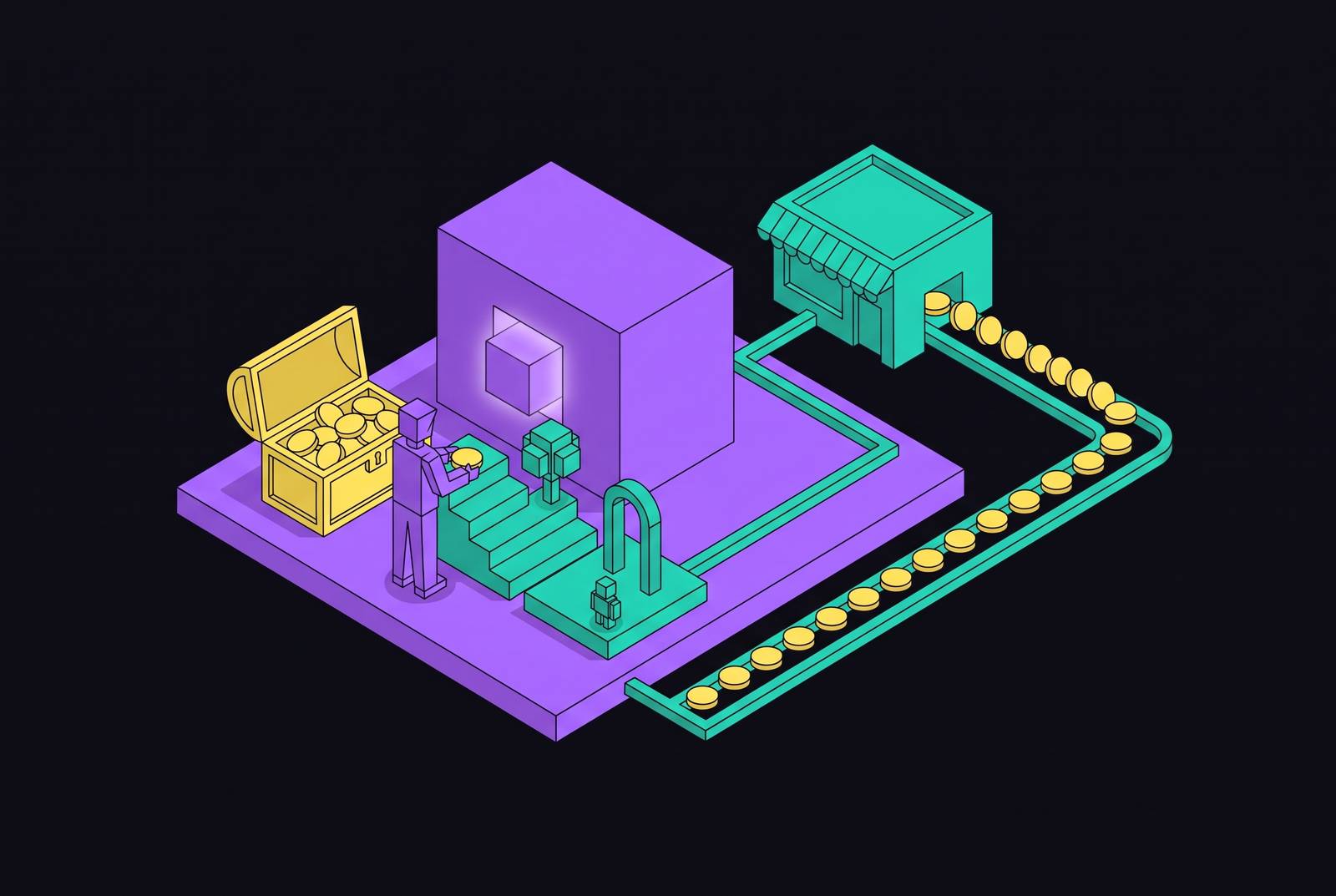
Steam takes a cut of gross revenue from every sale. Keeping 100 percent means that the engine takes no further royalty from the developer’s Steam payout. Steam’s rate decreases at higher lifetime revenue thresholds per title, but most indie games remain in the first tier throughout their commercial lives.
The zero-royalty model separates the engine’s cost from sales. Its charge is the subscription, where applicable, rather than a percentage of revenue, and the free tier includes commercial use. The developer owns the project, exports a desktop build, submits it directly to Steam, and receives the platform’s payout without an engine share deducted.
That distinction is harder to establish when the game remains hosted inside its creation tool. Commercial rights, watermarks, and export restrictions can vary by plan and change over time. Checking current terms before building something to sell is prudent. Permission to generate a game and permission to distribute it independently are different conditions.
For Steam distribution, the relevant outputs are Windows and macOS desktop builds. The same builds can also go to itch.io, which offers a lower-friction route to an audience seeking indie and experimental games. It can serve as a first launch or a parallel release. Other export targets have their own needs: Android and iOS need the right platform toolchain and signing, while web builds of GDScript projects can go to the engine’s own games platform.
Why the Godot-compatible foundation changes the long-term economics for a non-coder
Local export answers whether a developer can leave today. Godot 4 compatibility keeps GDScript, scene files, and export targets readable and editable independently of the AI-native subscription. A change in pricing, availability, or needs does not require the project to disappear with access to the conversational service.
This portability has a practical consequence for collaboration. A non-coder can begin alone and later bring in professional developers who contribute through GDScript or C#. The existing project remains the starting point. Growing complexity does not, by itself, require a rebuild in a different tool before specialist help can begin.
That changes the economics beyond the absence of royalties. Time spent developing scenes, integrating assets, and refining game behavior remains invested in files that can be continued independently. The developer can retain the conversational workflow where it is useful while allowing direct editing where more precise control is wanted. Ownership lets the developer keep a finished executable and change how they make the game.
Open tooling strengthens that separation, but its scope needs care. MIT-open-source agent tools make the core AI tooling inspectable, while hosted AI credits remain a distinct paid service, giving the developer a clearer basis for judging ongoing costs and control.
The real Steam market a non-coder is entering and what it takes to compete
VG Insights data establishes that indie games represent a meaningful share of Steam revenue and that the market has been growing year over year. Most new releases earn modest lifetime revenue. Games with lots of reviews and positive ratings tend to earn much more, so the strongest performers earn far more than a typical release.
A new game also competes with more than its launch-week peers. Steam’s back-catalog has proven games at discounted prices that players have already shown they like. Those games make it harder for a new game to get noticed. Yet the same catalog can benefit a game that finds its audience, because earning need not end when its launch window closes.
AI changes the supply side of that market. When games are easier to make, more creators can finish them, but demand for them does not grow on its own. Discoverability consequently becomes more important as access to production expands. An AI-native engine addresses the non-coder’s implementation bottleneck, but it does not change Steam’s algorithm, review velocity thresholds, or wishlist dynamics. The developer still has to build an audience before launch.
Game jams let creators get feedback and find out whether players like a game before they put it up for sale. Alongside traditional jams, AI-first jams give creators a deadline and an audience for a smaller project. A strong entry can reveal what works. Celeste and Superhot are examples of commercial games inspired by game jam projects, while Hollow Knight’s protagonist originated in the Ludum Dare 2013 entry “Hungry Knight”.
A shippable build lets a developer sell a game, while getting feedback and building an audience help them find out whether players want that game. Neither task substitutes for the other. Zero engine royalties improve the developer’s share of a successful release, but they do not manufacture that success.
How do non-coders go from a first conversation to a live Steam listing?
The process begins with a template suited to the intended game, such as a 3D platformer, top-down RPG, or simulation. That choice gives the AI context for the systems it will build. The developer then describes mechanics, characters, levels, and art style in plain English. The engine makes scenes, places objects, sets up cameras and lighting, and writes game logic in the local project.
The next step is to play what exists. The developer can inspect the result, describe changes, and ask the AI to read and correct runtime errors.
As the game develops, the same session can produce and integrate models, sprites, animations, and audio as engine-ready assets. The developer does not have to assemble a separate manual import workflow to make those outputs usable. Multiplayer deployment also belongs to the pipeline. For a multiplayer project, the non-coder can use that provision without standing up separate server infrastructure.
Creators who want to see whether players like their game first can enter an AI-first jam before a full Steam launch. Feedback from the entry can shape the commercial version. Once the game is ready for desktop distribution, the engine exports a Windows or macOS build owned by the developer. The output is a standard executable.
The developer then submits that build directly to Steam, or uses itch.io for a first or parallel release. Publishing a web build on the engine’s own games platform gives the developer another place to release the game alongside Steam. The engine takes no royalty from platform revenue. At every point from the first scene to the submitted build, the project files remain on the developer’s machine, and Steam’s payout goes to the developer without an engine deduction.