Game Engines That Bundle AI Code Art and Audio Generation Under One Subscription
Asset bundles like Ludo skip the engine, so compare plans by the work that slows you most.
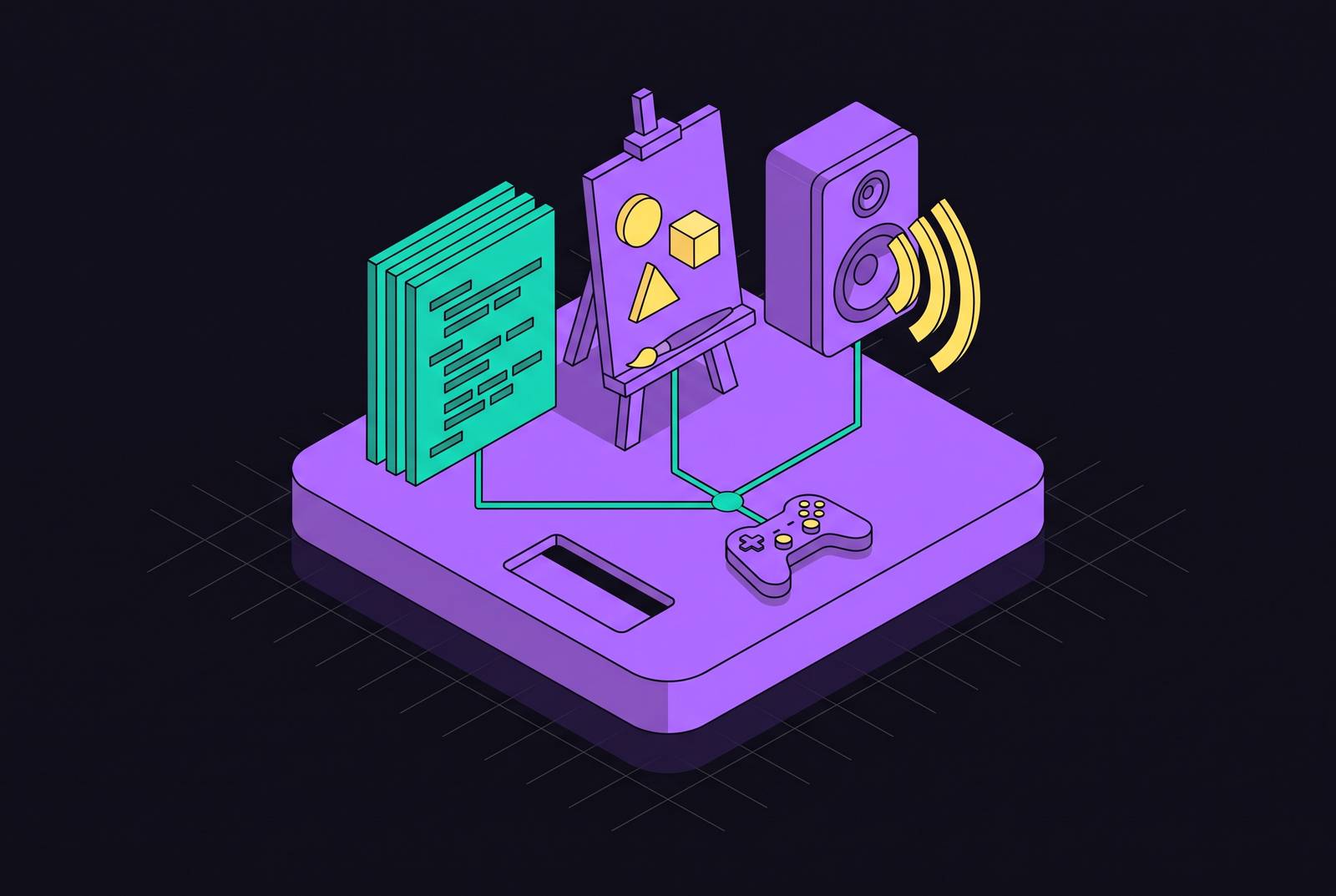
An AI-native engine bundle is the subscription model that combines game logic, editor operation, and asset generation, while an asset bundle alone does not produce a playable game. Ludo covers art, animation, 3D, and audio under one plan, but still needs an engine or coding workflow. The useful comparison is therefore not subscription count alone, but which plan covers the work that most delays your game.
Why most AI game creators end up managing a fragmented stack of separate subscriptions
Moving generated art into an editor, reconciling mismatched styles, and checking another credit balance are routine parts of AI-assisted game development in 2026. The default for a solo or time-constrained creator is three to five separate subscriptions. Code assistance, 2D art, 3D models, sound, music, NPC dialogue, and publishing do not become one job simply because their tools use AI.
This fragmentation has a sound technical basis. Specialists go deeper within their categories than generalists can, so separate subscriptions can buy distinct capabilities. The cost is coordination, including separate billing, context switching, style drift, and manual asset imports. Engine work offers the most room to bring tools together because code is the slowest part of indie development, and art and audio are metered either way.
What the multi-tool stack actually costs and covers, job by job
Scenario starts at $15/mo for 2D art, and its higher tiers have custom model training. Its strength is consistent, on-brand production across many assets, supported by 650+ models, a node-based workflow, an MCP server, and a Blender plugin. PixelLab starts at $12/mo and concentrates on pixel art, including skeleton-based animation, 4- and 8-directional rotations, isometric support, and an Aseprite extension. Every tier meters monthly generations. Leonardo.ai starts at $12/mo for general image generation and custom model training, making it an option for concept and key art.
Other art subscriptions address narrower production needs. Recraft starts at $10/mo, billed yearly, for vector art, icons, and UI in saved custom styles. Layer.ai starts at $10/mo, charges based on use, and is built for studios that make lots of game art. These are alternatives for different jobs, with each subscription an optional purchase.
Meshy Pro starts at $20/mo and includes text-to-3D, PBR textures, auto-rigging, 600+ motion presets, and a low-poly mode. Its free plan has 100 credits/mo under CC BY 4.0, so commercial use requires attribution, and most plans delete API-generated assets after 3 days. Tripo Pro costs $20/mo, billed annually, for text- and image-to-3D, Smart Mesh quad meshes without retopology, auto-rigging, and high-resolution PBR textures. Tripo’s free plan is non-commercial.
Audio can already be consolidated within a specialist. ElevenLabs puts sound effects, music, and voices on one credit pool, with commercial licensing starting at its $6/mo Starter plan. That plan has Instant Voice Cloning, but Professional Voice Cloning needs Creator at $22/mo. Its sound effects can run up to 30 seconds with seamless looping, and voice generation and Eleven Music are accessible through its API and official MCP server. Character motion may still need another tool, and DeepMotion has up to 60 seconds/mo free for personal, non-commercial use, with paid plans starting at $15/mo. Rokoko Vision’s free Starter includes 30 seconds of processing/mo, and its video-to-motion and text-to-motion data is commercially licensed.
Cursor does not generate art or audio on its own, so paying for code assistance does not replace the preceding categories. Licensing also remains tool-specific, including different attribution requirements, commercial permissions, and export constraints. Specialists earn their place through depth. Scenario’s custom training, PixelLab’s animation controls, and Meshy’s dedicated 3D workflow are capabilities a broad bundle cannot always match.
What does one subscription cover for game art and audio — and where does it stop?
Ludo is a broad asset bundle, starting at $20/mo or $15/mo billed yearly. It includes 2D sprites in 32 art styles, tiles, icons, UI, portraits, card art, 3D models with polycount control and rigging, music, sound effects, voices, and video. Its Directional Sprites render a rigged 3D model as PNG sprite sheets in up to 8 directions and 14 styles. That breadth replaces several separate asset-generation jobs. It does not replace the engine that assembles them into a game.
Ludo supports 12 animatable asset types and 641 motion presets, with animations up to 5 seconds and 64 frames. Animation can be driven by a text prompt, drawn keyframes, reference video, or a preset, and the Hydra model returns a matching sound effect. Style consistency relies on reference images alone. Scenario therefore remains the more suitable choice when a custom-trained house style is the central requirement.
The plan gates affect how that coverage works in production. Ludo’s free tier provides 30 one-time asset-generation credits without a credit card, but sprite sheet exports are watermarked and full GIF, frame, JSON, and video exports require payment. Its $50/mo Pro plan adds unlimited image generation in the web app and API, MCP, and CLI access. Those programmatic calls still use credits. Heavy 3D or animation work can exhaust a shared allowance even when image generation in the web app is unlimited.
An integrated engine bundle addresses a different gap by combining code and editor operation with asset generation. A real editor with a scene tree and inspector produces an editable project. Ludo does not provide that engine layer. Stable Audio is narrower still, but offers a useful rights comparison, with paid plans starting at $12/mo. Stability’s knowledge base permits commercial use in games and apps on every plan, including Free, while requiring an Enterprise license for large organizations above its revenue threshold.
The code-assistance layer and why it sits outside most asset bundles
Assets are a game’s content, and code controls how it behaves. Cursor and Claude Code can write and refactor GDScript or C#, yet neither generates art or audio on its own. Combining the two subscriptions provides generation coverage, but does not automatically connect the agent to the engine.
That connection affects how much of the development work must still be done by hand. An agent that runs a game, reads a runtime error or screenshot, and corrects its work is more useful than one that only proposes code. Generation speed alone is an incomplete measure. Model Context Protocol, or MCP, is the connection that lets agents use asset tools and work in a live editor.
An AI-native engine can close this loop internally by giving its agent access to the scene tree, console, and editor operations. A skilled developer may instead prefer a separately configured agent and engine for greater control. That choice requires MCP setup, tool-version management, and debugging of the connecting pipeline. It also requires the ability to read, run, and debug code when the agent gets stuck, since pure no-code workflows are limited to small browser games.
How MCP servers change what a subscription can actually do for you inside the editor
MCP changes the relationship between a subscription and the development workflow by exposing tools an agent can call. An editor connection can let the agent query the scene hierarchy, read the console, execute editor commands, and inspect runtime state. An asset connection serves a different purpose by making generation available within that same agent workflow.
Several specialist subscriptions now offer that access. PixelLab provides an API and MCP server for automated pipelines, while Scenario provides an MCP server and Blender plugin. ElevenLabs exposes audio generation through its official MCP server. Ludo makes MCP and CLI access available on Pro, allowing its web-app generators to run through Cursor, Claude Code, or a custom agent pipeline. Access tiers therefore deserve attention beyond their generation allowances.
A connected asset subscription can reduce the work of moving between a generator and a coding environment. The gain is a connected pipeline rather than a single invoice, and an asset MCP server alone does not grant control over an editor. Initial setup remains necessary, and weak generation tools do not become stronger merely because an agent can call them.
Publishing can enter the same loop. Playgama MCP emerged in October 2026 as part of a suite including Playgama Sandbox and the updated Playgama Bridge SDK. It lets developers ship from a coding environment, reach players, and earn ad revenue from day one. The agent can pull custom player events, analyze where players drop off, make changes, and upload a new build. This extends subscription evaluation beyond output volume to the development and publishing work a connected tool can support.
What the publishing platforms require when you use AI-generated assets
Steam and itch.io require AI disclosure, while commercial permissions still depend on the tools used to create the content. Valve updated Steam’s disclosure form in January 2026 to focus on content that “ships with your game and is consumed by players”. AI-powered developer tools used for workflow efficiency, including code assistants and debugging software, are explicitly out of scope. Using an assistant is therefore distinct from shipping generated content.
With a fragmented stack, developers must track where each asset came from and each generator’s terms for commercial use. A bundle with one clear commercial license covering all generation types can reduce that documentation burden to a single policy. This advantage depends on the actual license. Tools on a shared bill or credit pool can still have different commercial rights, and even clear licensing terms leave disclosure to be done.
Games using entirely AI art have faced Steam disclosure scrutiny and player backlash, while games blending AI drafts with human refinement have avoided negative sentiment. Refinement is therefore a production decision as well as an artistic one. A license alone cannot tell how players will feel about the finished work.
The recommended publishing sequence is to test on itch.io before launching a polished game on Steam. Three months before a Steam launch, developers are advised to put out an itch.io demo, collect emails, and submit to festivals. Steam charges a one-time fee per game. Its process takes at least 4–6 weeks, with a required 30-day wait after payment and 3–5 business days for each store-page and build review.
How to decide which approach fits your workflow and budget
The decision rests on three variables, namely your role in the pipeline, your most expensive job, and your tolerance for coordination. A non-technical creator who needs logic, editor operations, and assets to work together is best served by an integrated engine bundle. A developer with an established engine workflow has less reason to replace it. An asset bundle or selected specialists can fill that developer’s gaps without changing the foundation.
If pixel art is the only substantial asset requirement, PixelLab at $12/mo offers depth and cost advantages over a broad bundle. If a custom-trained visual style is essential, Scenario is the stronger fit for that task. If code is the bottleneck, an asset subscription leaves the slowest job unresolved. An integrated engine is more useful in that case because it brings code assistance, asset generation, and editor work together.
Composability is an advantage when you can tolerate the coordination it requires and another obligation when you cannot. Separate billing cycles, credit resets, export formats, import pipelines, and licensing terms consume limited development time. MCP reduces that burden for developers comfortable with agent setup, while internally connected tools offer less friction for those who are not. For jams and constrained schedules, the recommendation is to scope small, with one mechanic and one win condition, and build the playable loop before the world. Tools already configured are preferable to theoretically faster ones that require setup.
An AI-native engine can cover code and basic assets, with one specialist reserved for the most demanding production job. Before committing, the decisive check is whether the output leaves as a project you own, can keep editing, and can publish on Steam. A playable browser link and an editable engine project are different products, even when both are sold under one monthly plan.
Sources
- Best AI Tools for Game Assets in 2026: 8 Generators
- AI Tools for Indie Game Developers (The Honest 2026 Stack)
- The Best AI Game Engine in 2026 (Picked by What You Ship)
- 10 Best AI Game Makers in 2026, Honestly Compared
- The Best AI Coding Assistant for Godot in 2026 (Ranked by Real GDScript Work)
- Best AI Tools for Godot Game Development in 2026 (Tested and Compared)