Why Solo Creators Are Abandoning Traditional Engines for AI-Native Alternatives Before Their First Steam Launch
AI-native engines cut the integration work that stalls solo creators.
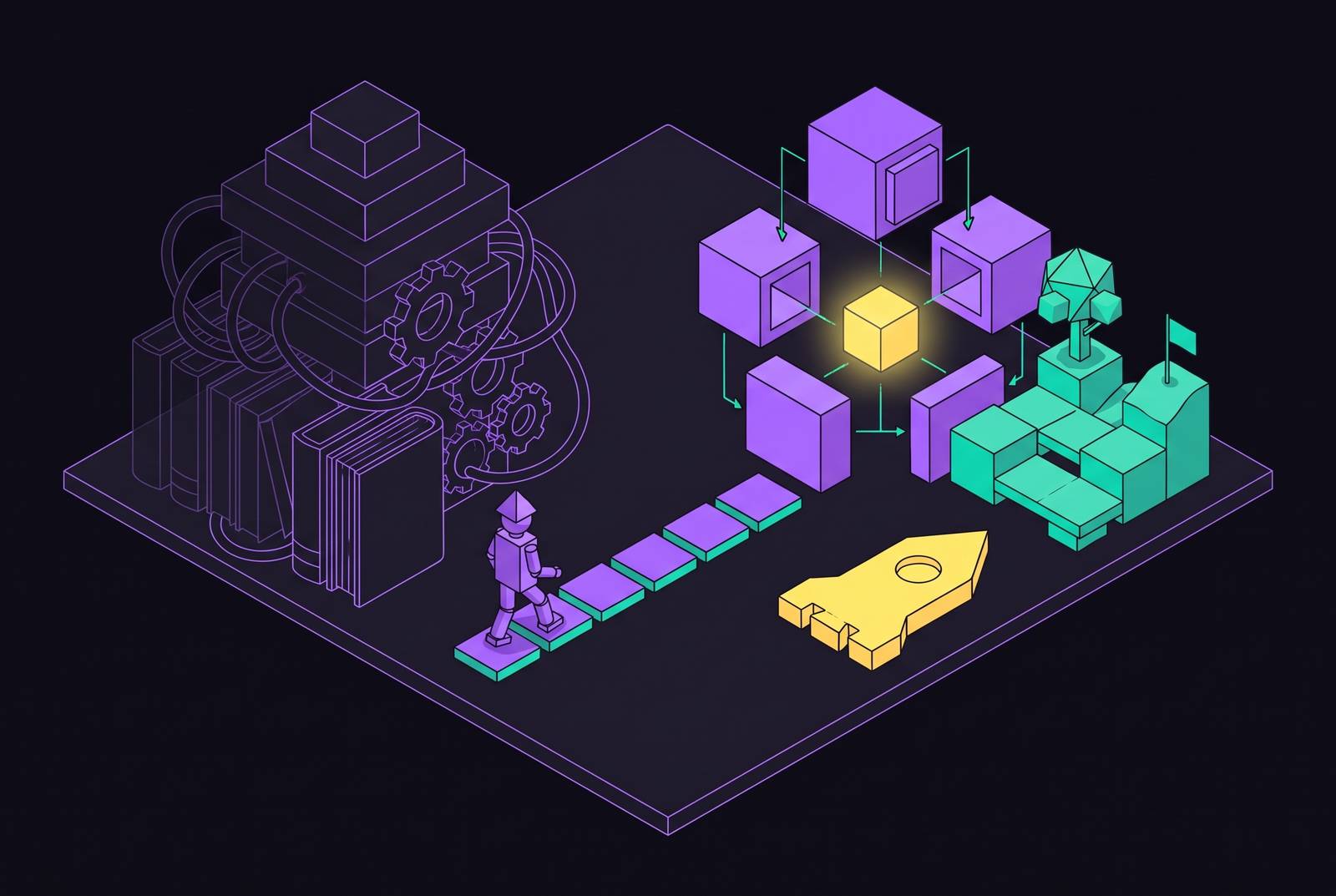
For non-programmers building toward a first Steam launch, an AI-native engine is useful only if it can turn prompts into a game the creator owns, can export as a native PC build, and can publish. It improves on a traditional workflow by cutting the work of integration as well as generating code. That makes toolchain choice a question of whether a solo creator can finish within the hours and budget available.
The structural trap solo developers walk into before they write a line of code
A solo developer does the work of a production team with only one person’s time and skills. Programming, art, composition, QA testing, and marketing all draw from the same person’s week. There is no other department to take on work when it falls behind. For someone with ten to fifteen hours available, time spent learning infrastructure leaves little room for making the game distinctive.
A traditional engine learning curve can consume weeks of work, which becomes months of calendar time for a part-time creator. During that interval, the project offers little playable evidence to sustain momentum. Attrition can end it before its central idea receives a fair test.
Finishing also means entering a crowded market. Steam gets tens of thousands of releases each year, but few get enough reviews for the algorithm to make them visible. Production therefore cannot consume the entire available budget of time and capital. A workflow that leaves nothing for launch preparation creates a second obstacle after the first has finally been cleared.
Why the traditional learn-an-engine path breaks down for first-time solo creators specifically
Even someone who already codes must learn how to build inventory, save/load, state machines, and collision in an engine they do not know. Learning the engine also means learning enough programming to understand what the engine expects. The route to a first mechanic becomes a sequence of dependencies.
That arrangement can work for a full-time team. It is harder to fit around a day job, when each thing the creator has to learn takes up a large part of the week’s time for making the game. The creator learns more about the tools while playable systems wait. Meanwhile, motivation erodes and other commitments intervene.
Switching roles compounds the cost of learning. An hour spent debugging physics cannot also be spent on level design, audio, or the mechanics that make the game worth playing. The engine provides the runtime, but the creator still integrates systems, finds bugs, and translates intentions into engine-specific syntax. Developers have always shipped under these conditions. What has changed is the availability of workflows that remove part of that translation work.
What AI-native workflows actually change about the solo production equation
A chat window or Copilot plugin can generate a script, but the creator must put it in the correct file, attach it to the correct node, run the project, interpret the error, and request a revision. The human remains the integration layer. For a non-programmer, that layer can be the hardest part of the job.
An AI-native workflow closes more of this loop. The agent sees the scene tree, writes the script, places it on the appropriate node, runs the game, reads the runtime error, and corrects its output. Engine state becomes available to the system doing the work. An embedded chat panel alone does not establish that the tool can complete this cycle.
Closing the loop shortens the phase before anything is playable. Instead of assembling foundational systems for months, a creator can build one mechanic, run it, assess it, and add the next. A rough build gives the project something concrete to develop. It does not remove the need for judgment about whether the game is enjoyable. Across art, audio, and dialogue, the same principle applies when AI provides a starting point without taking responsibility for the finished result.
The GDScript and Godot ecosystem as the place where AI coding assistance has matured fastest
The open-source GDScript ecosystem has become a busy place for AI coding assistance because people can build community tooling without paying licensing fees or getting past gatekeeping. Growing Godot 4.x codebases, documentation, and tutorials have helped narrow the earlier problem of models returning outdated Godot 3.x syntax. Version compatibility remains relevant, however. Better code generation is not the same as dependable execution.
FlamxGames’ Godot AI Assistant Hub provides a concrete example of editor-level assistance. The free open-source plugin places chat in a bottom-panel tab, reads highlighted code, and writes GDScript directly into the Code Editor. It connects through providers including Ollama, Gemini, xAI, and OpenRouter. This removes external-window copying from the workflow. Its editor integration should still be distinguished from an agent that can operate and diagnose the project.
Anthropic open-sourced the Model Context Protocol on November 25, 2024, providing a shared wiring standard adopted by Anthropic, Cursor, Windsurf, OpenAI, and others. Godot MCP implementations expose editor and runtime APIs as callable tools, allowing agents to inspect scenes, modify nodes, attach scripts, and run projects. Coding-Solo’s godot-mcp is the lightest implementation, launching Godot, running the project in debug mode, and returning output. The tugcantopaloglu server offers broader tools spanning scene manipulation, physics, rendering, audio, and runtime code execution. These implementations differ substantially in reach. As of October 2026, the Godot Foundation does not publish an official MCP server.
The architectural limit is explicit and consequential. A file-level MCP server cannot see rendering output, step a debugger, or inspect runtime variable values. Its AI can produce plausible GDScript that fails at runtime, leaving the developer to catch the failure. Tools that run the game and read live diagnostics therefore belong in a different category from tools that only edit files.
Filling the full pipeline: what AI covers across art, audio, and dialogue for a solo creator in 2026
For 2D art and sprites, generating assets is no longer the only challenge. Maintaining a coherent visual identity is harder. Generated assets can drift in style, so the practical pattern is AI for bulk placeholders and a human pass on identity-defining pieces. Scenario supports consistency by learning from ten to fifty or more examples, with up to 100 on Enterprise plans and pricing from $15/month.
The availability of AI across the pipeline does not establish that one tool handles every task within a role. Move AI extracts usable motion capture from ordinary phone video, while Cascadeur fills animation gaps with physics-aware keyframes. These motion and animation capabilities leave coverage for 3D models, props, or pixel art unestablished.
Audio and dialogue introduce another set of boundaries. Replica Studios provides a games-oriented voice workflow with scene-based production, emotion controls, and SAG-AFTRA ethical licensing. Voice production is not the whole audio role. Music, sound effects, and NPC dialogue are still separate jobs, even when AI means the creator no longer has to start each one from scratch. Across these roles, the creator’s task shifts toward consistency and quality control.
The pipeline can therefore expand without large upfront expenditure, but managing it still takes work. Separate tools mean separate decisions about which output belongs in the game.
How the Steam launch reality shapes which workflow decisions actually matter
AI tools address production speed. Even a game built faster needs enough reviews for Steam to make it visible. The release does not receive attention simply because its production was efficient. Treating those two problems as interchangeable risks shipping faster into the same silence. The stronger argument for production compression is that it makes room for pre-launch marketing.
For a solo creator, that room enables work before the game is finished. The recommended launch workflow begins with Steam page copy drafted through ChatGPT or Claude while the project is still a prototype. Capsule art can be built in Leonardo or Steamkit, with a trailer cut in CapCut and social clips prepared through OpusClip. Steamkit supports localization, while Press Kitty supports press-kit preparation.
Timing is the important change in this workflow. AI-generated concept art on social media offers a free market-fit test before two years of work are committed. That does not establish demand by itself.
Balatro was the first solo-developed game nominated for Game of the Year at The Game Awards, and its relevance here is focused scope. It demonstrates why production speed should serve a small, polished game. AI can cut the work that keeps such projects from being finished. Exceptional commercial outcomes remain exceptional.
Game jams as the low-stakes proving ground where AI-native workflows can be tested before a Steam commitment
A 48-hour game jam concentrates the solo developer’s central constraint into a short test. One person still covers every role, but the commitment is bounded. The practical recommendation is to test the workflow there first. A jam can expose whether AI actually compresses production or merely generates more material for the creator to integrate.
Slapjam’s September 2026 AI jam made clear that a fully autonomous agent could build an entire game. It required tool credits and a human to perform the final itch.io upload if a browser check blocked the agent. The rule allowed automation while retaining a clear publication boundary. That distinction is useful beyond jams, because producing a playable result and completing publication are separate tasks.
Jam organizers recommend setting up agents before the event opens so the first day does not go to getting MCP working. A zero-budget 48-hour stack can use Perchance and Leonardo free for art, Codeium and ChatGPT for code, SFXR and AIVA free for audio, and CapCut for the trailer. This offers a route without subscription cost. It tests a multi-tool workflow, however, rather than proving that an integrated engine closes the whole loop.
The same preparation principle applies before a Steam project begins. Establishing the full AI toolchain before the first line of game code is a production decision. It allows the creator to choose the workflow under a limited commitment rather than discovering its boundaries deep into development.
What should non-coders look for in an AI-native engine to ship on Steam?
The first distinction is between a prototype generator and an exportable game engine. A playable browser experience is insufficient if the tool cannot produce a native PC build that meets Steam requirements. A supported publishing path must also connect the finished project to a live Steam listing.
Ownership belongs in the same evaluation. The creator needs to establish whether the project files, scripts, and assets remain theirs, and whether export supports the intended destinations, including Steam, itch.io, or mobile. Standard formats and industry-standard scripting provide a separate test of portability. They reduce dependence on the AI layer if the creator outgrows it. Being able to export a game does not prove that the creator owns it or can keep all its revenue.
The next test is the closed loop. Can the AI run the game, read runtime errors, and self-correct, or must the creator still translate between generated output and engine state? The assets the tool can make then determine how many other services the creator needs for 2D, 3D, audio, and dialogue. A single subscription offering frontier models for code, art, audio, and video can address the growing subscription-stack burden. Its value depends on usable coverage.
These criteria support a purchasing decision more firmly than an unsupported vendor ranking. The available evidence does not establish a named engine that combines no-code production, direct Steam publishing, project ownership, and no revenue share. A non-programmer should check each of those requirements before choosing a tool. When choosing the best fit, matching the tool’s actual operating and publishing capabilities to the creator’s time budget, technical level, and target platform takes priority over the most impressive demo.